
Navigation › Inventory › Processing › Material Replenishment
Note: This article focuses on the simplest common use case for processing a material replenishment.
To process an unprocessed material replenishment, navigate to the relevant material replenishment. Open it by double-clicking it in the list, or by selecting it and pressing Enter.
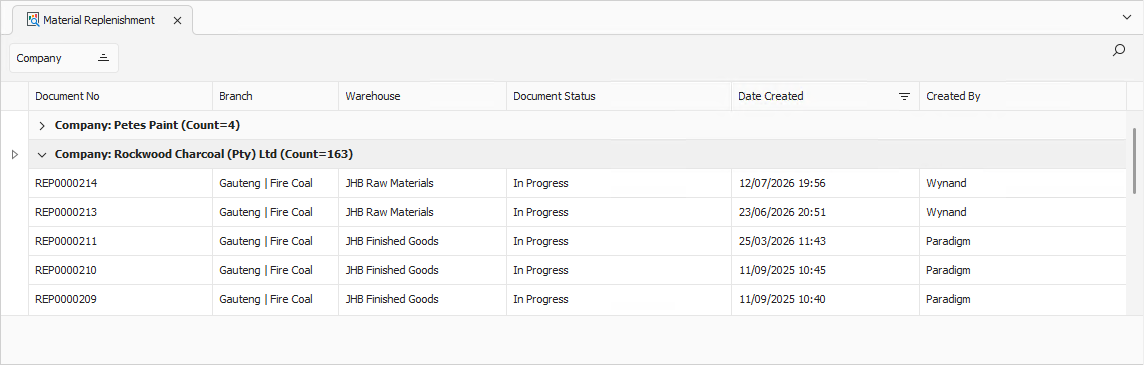
Opening the material replenishment displays the Material Replenishment screen.
Material Replenishment
Confirm that the material replenishment details and inventory item information are correct.
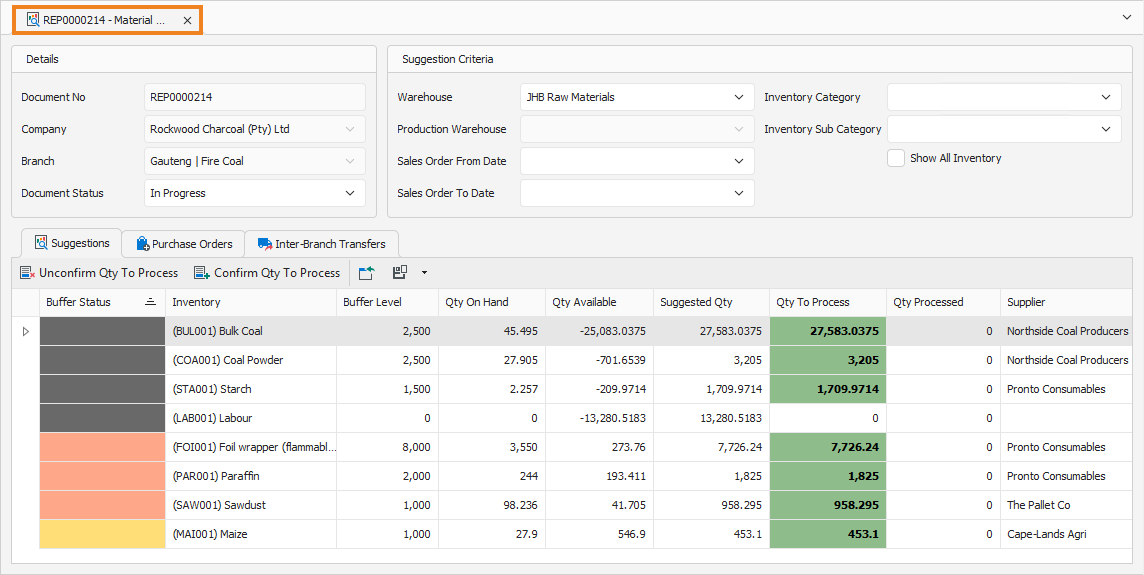
You can update some of the fields if required. Once done, click Create Transactions on the toolbar.
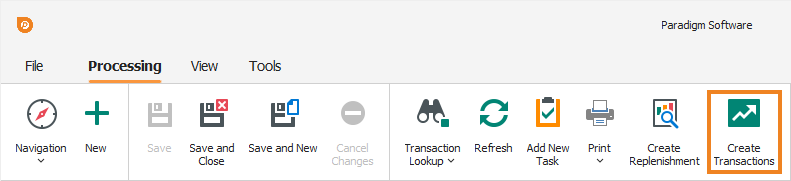
This creates the transactions necessary to replenish the inventory items. A popup confirms successful processing.
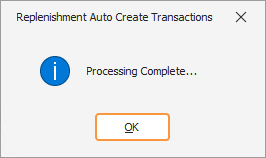
Click OK to close the popup and return to the material replenishment. Click the Purchase Orders or Inter-Branch Transfers (IBTs) tabs to view the created transactions or IBTs.