
Navigation › Inventory › Processing › Inventory Items
Paradigm allows you to set a stocking unit weight per inventory item. The stocking unit weight differs from the product weight and refers to the weight of the product or products as they are stocked and shipped. This is important to note as it affects the weight of shipments and loads when orders are delivered.
To update an inventory item's stocking unit weight, navigate to the relevant inventory item. Open it by double-clicking it in the list, or by selecting it and pressing Enter.
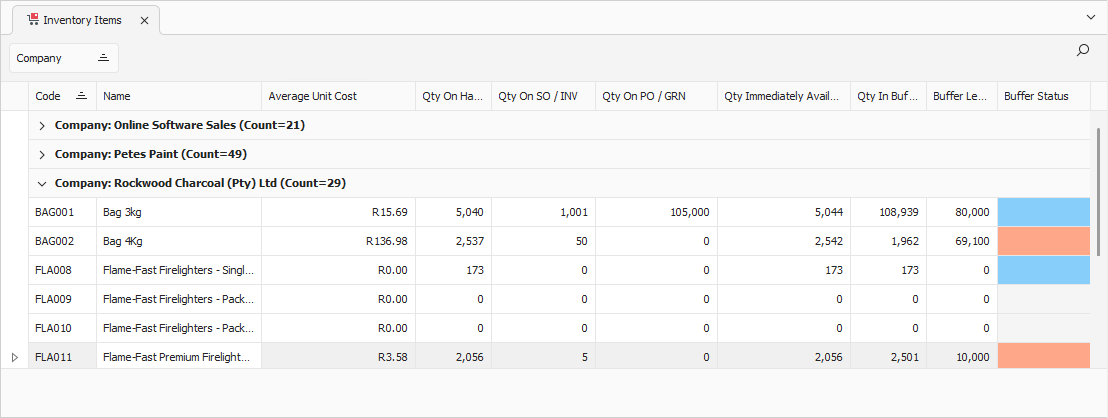
Opening an inventory item displays its Item tab. Click the Manufacturing | Distribution tab to continue.
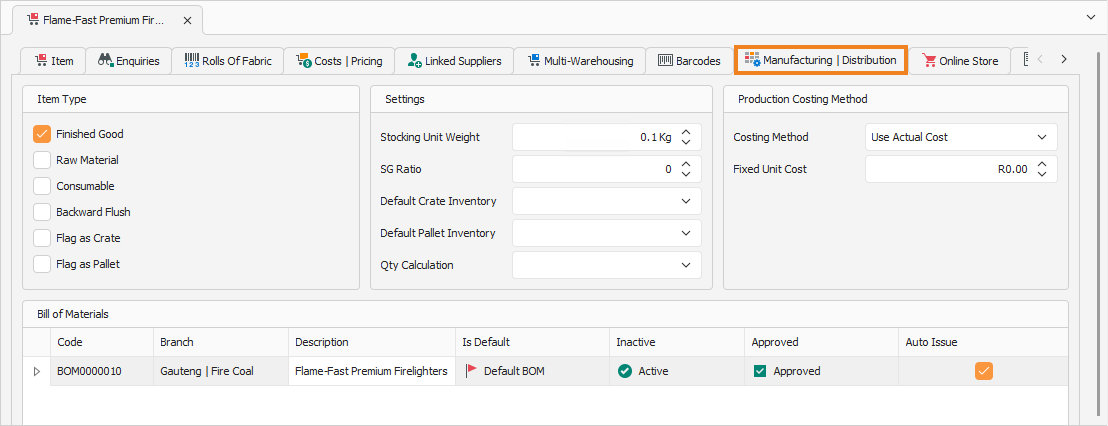
Manufacturing | Distribution Tab
On the Manufacturing | Distribution tab, you can update the stocking unit weight as needed.
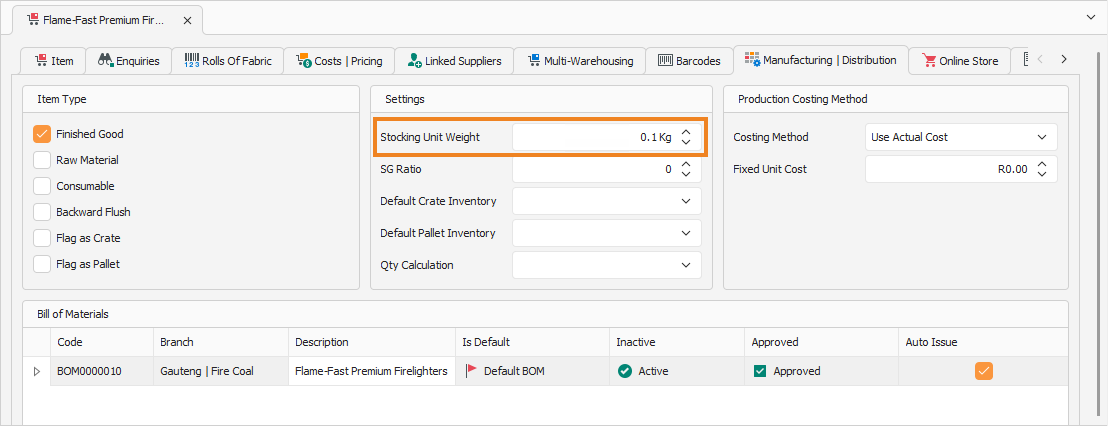
Enter the Stocking Unit Weight for this inventory item. This is not the product's weight but the weight of the inventory item as packaged and shipped. For example, a single product could weigh 2kg, but after production, 24 products are packed into a single box, wrapped and packaged for shipping. The stocking unit weight would be the total weight of all products, including packaging materials.
Once done, click Save (Ctrl+S). This saves the inventory item. You can also press Ctrl+Enter to save and close the inventory item.