
Navigation › Production › Processing › Production Tickets
To print a production ticket PDF document, click Print on the toolbar.

A dropdown appears, allowing you to select the print layout to use.
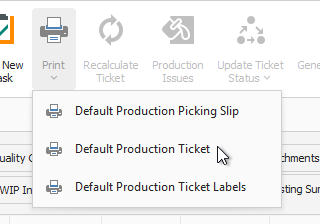
Selecting a print layout displays a preview of the PDF document in the selected layout.
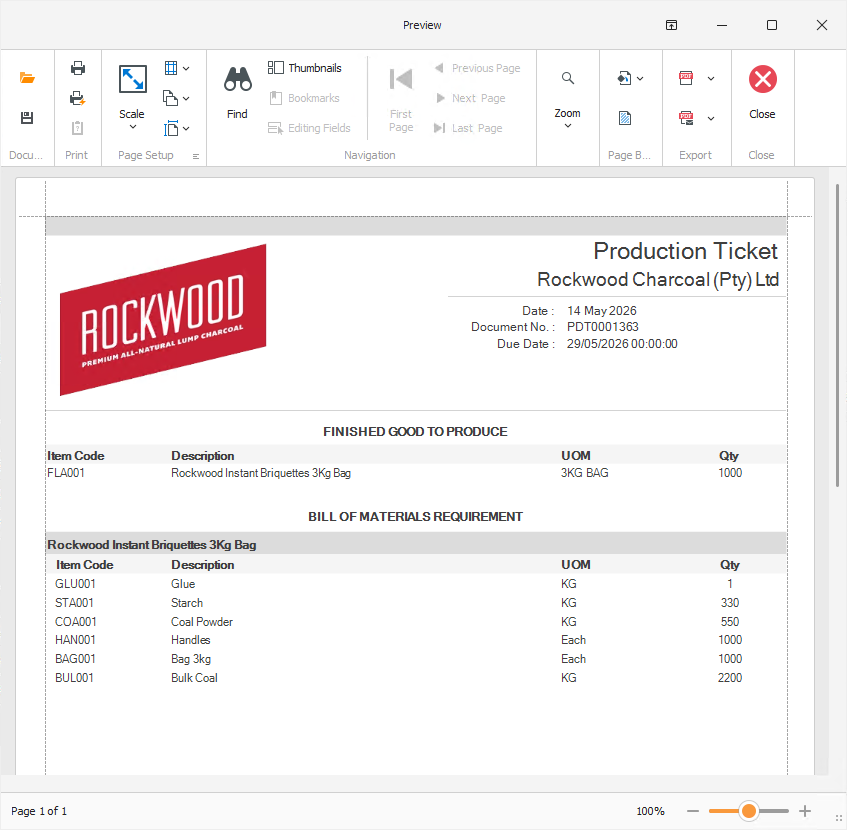
From here, the document can be printed, and the preview closed.